Image to Text Converter
Upload any image and extract text instantly with our powerful OCR technology
Drag & Drop your image here
or
Supports JPG, PNG, GIF, BMP, Webp up to 10MB
Processing your image...
Extracted Text
Your files are processed securely and never stored.
Extract Text from Images with Powerful OCR Technology
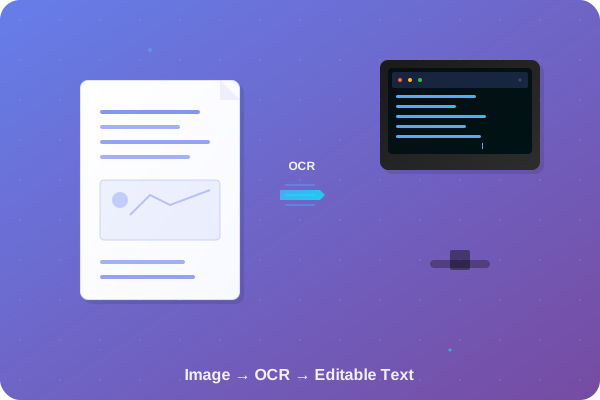
Convert any image to editable text in seconds with our advanced Optical Character Recognition (OCR) tool. Perfect for documents, receipts, screenshots, and more.
Why Choose Our Image to Text Converter?
The most accurate and easy-to-use OCR solution online
Lightning Fast
Process images in seconds with our high-speed OCR engine that works with any device.
Secure Processing
Your files are processed securely and never stored on our servers after conversion.
100+ Languages
Supports text extraction from images in multiple languages with high accuracy.
How Our Image to Text Converter Works
Effortlessly extract text from images using advanced OCR technology
Step 1: Upload Image
Drag and drop or browse your JPG, PNG, or GIF file. Our free image to text converter handles files up to 5MB without login required.
Step 2: Process with OCR
Our AI-powered OCR tool scans and extracts text accurately from photos, scanned documents, or low-resolution images in seconds.
Step 3: Download Text
Copy the extracted text or download it as a TXT file. Perfect for converting picture to text without any hassle.
Benefits of Using Our OCR Image to Text Converter
Discover why our tool is the best choice for extracting text from images online
High Accuracy OCR
Our advanced AI ensures precise text extraction from images, even for handwritten notes or blurry photos. Ideal for scanned document to text conversion.
No Login Required
Get started instantly without creating any account. Our free image to text converter prioritizes your privacy and convenience.
Multi-Language Support
Extract text in over 100 languages. Perfect for international users who are needing to convert image to editable text across different scripts.
Mobile-Friendly
Access our online OCR tool on any device. Convert photo to text easily from your laptop , phone or tablet without downloading apps.
Use Cases for Image to Text Extraction
Explore how our free OCR converter can simplify your daily tasks
Business Documents
Digitize receipts, invoices, and contracts by converting scanned images to editable text for easy archiving and search.
Student Notes
Convert handwritten lecture notes or textbook photos into searchable text for better organization and study efficiency.
Research Materials
Extract text from academic papers, articles, or screenshots to make notes and references without manual typing.
Why Choose Our Free Online OCR Tool?
Experience the best image to text conversion with these key advantages
Ready to Convert Image to Editable Text?
Start extracting text from images for free today
What Our Users Say
Trusted by thousands of users worldwide

Sarah Johnson
Content Manager"This OCR tool has revolutionized how we handle document digitization. The accuracy is incredible and it saves us hours of manual typing every week."

Michael Chen
Research Assistant"Perfect for digitizing old research papers and handwritten notes. The multi-language support is fantastic for our international documents."

Emily Rodriguez
Small Business Owner"I use this daily to convert receipts and invoices into digital text. It's fast, accurate, and completely free. Couldn't ask for more!"

David Kim
Freelance Writer"As someone who works with a lot of printed materials, this tool is a lifesaver. The text extraction is so accurate I rarely need to make corrections."

Lisa Thompson
Project Manager"The batch processing feature is amazing for handling multiple documents. Great for our team's productivity and document management workflow."

James Wilson
Student"This has been incredibly helpful for my thesis research. I can quickly convert screenshots of articles and books into searchable text."
Simple, Transparent Pricing
Choose the plan that fits your needs
Free
- 5 conversions per day
- Basic OCR accuracy
- 5MB file size limit
- Text-only output
Pro
- 100 conversions per day
- High accuracy OCR
- 25MB file size limit
- PDF & Word output
- Priority support
Business
- Unlimited conversions
- Highest accuracy OCR
- 50MB file size limit
- Multiple output formats
- API access
- Dedicated support
Frequently Asked Questions
Answers to common questions about our Image to Text Converter